Embolization is key to relieving symptoms or reducing tumor burden. Patients rely on personalized planning and precise therapy – even as your clinical demands grow. myEmbolization Guide1 enhances workflow efficiency by automating manual tasks and supporting decision-making along the pathway.
Building on our oncology leadership with our comprehensive portfolio for personalized therapies, our novel myEmbolization Guide empowers you to plan with confidence and navigate precisely – smart planning for targeted embolization.
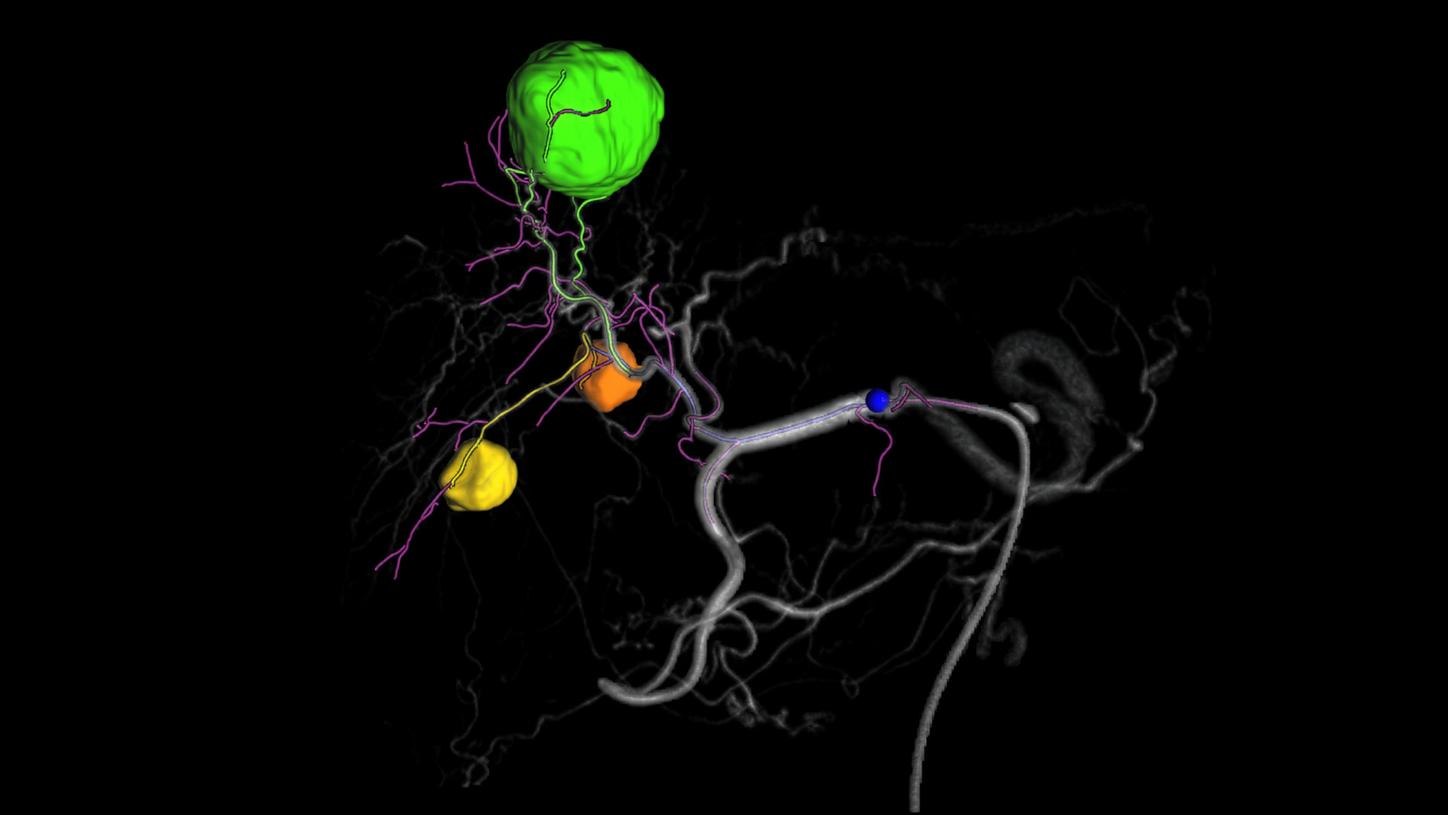
myEmbolization GuideSmart planning for targeted embolization
Clinical workflows
Three distinct workflows to address both specialized and general needs:
Liver workflow2
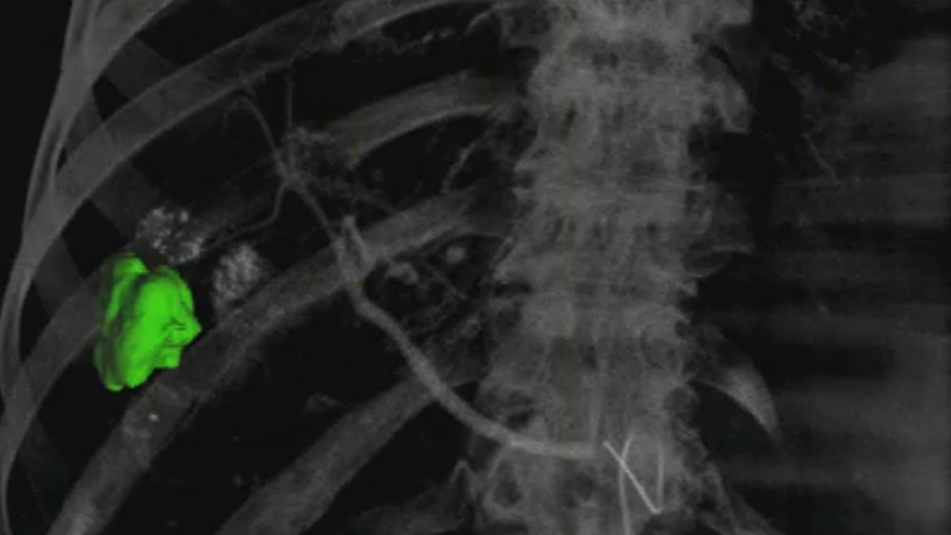
Target identification
Semi-automatic 3D liver lesion contouring shows the tumor’s true morphology.
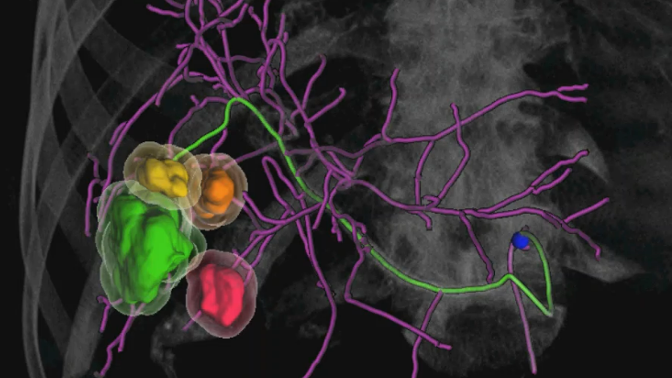
Vessel detection
Automatic identification of the entire vessel tree with clear differentiation between feeder and non-feeder vessels for confident planning and precise navigation. Extending the envisioned treatment zone around the tumor initiates an immediate re-computation of the vessel information.
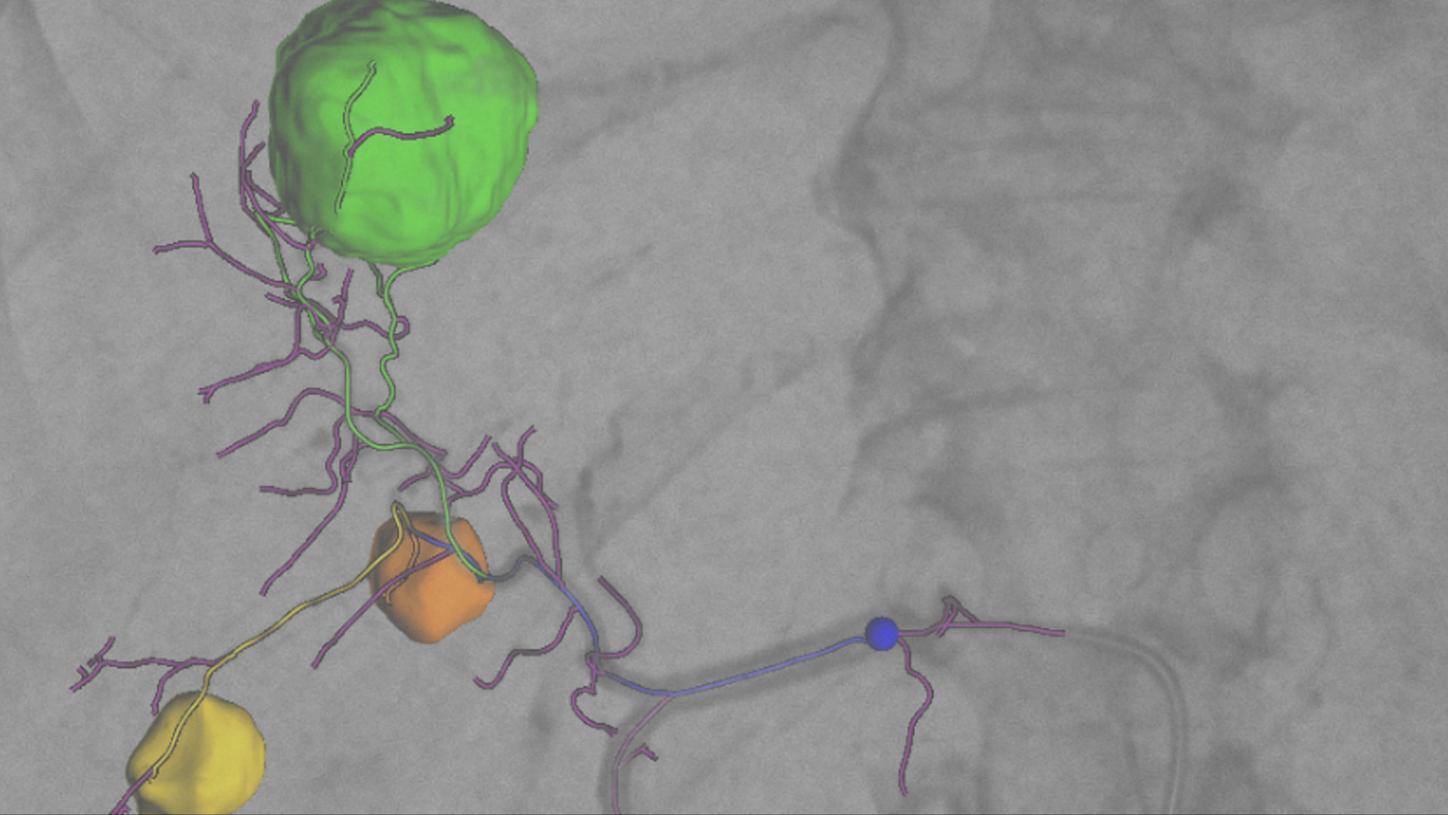
Guidance
Overlay of planning results on live fluoroscopy images for real-time guidance. Easy length adaptation in the visualization of non-feeder vessels reduces information overload.
Prostate workflow3
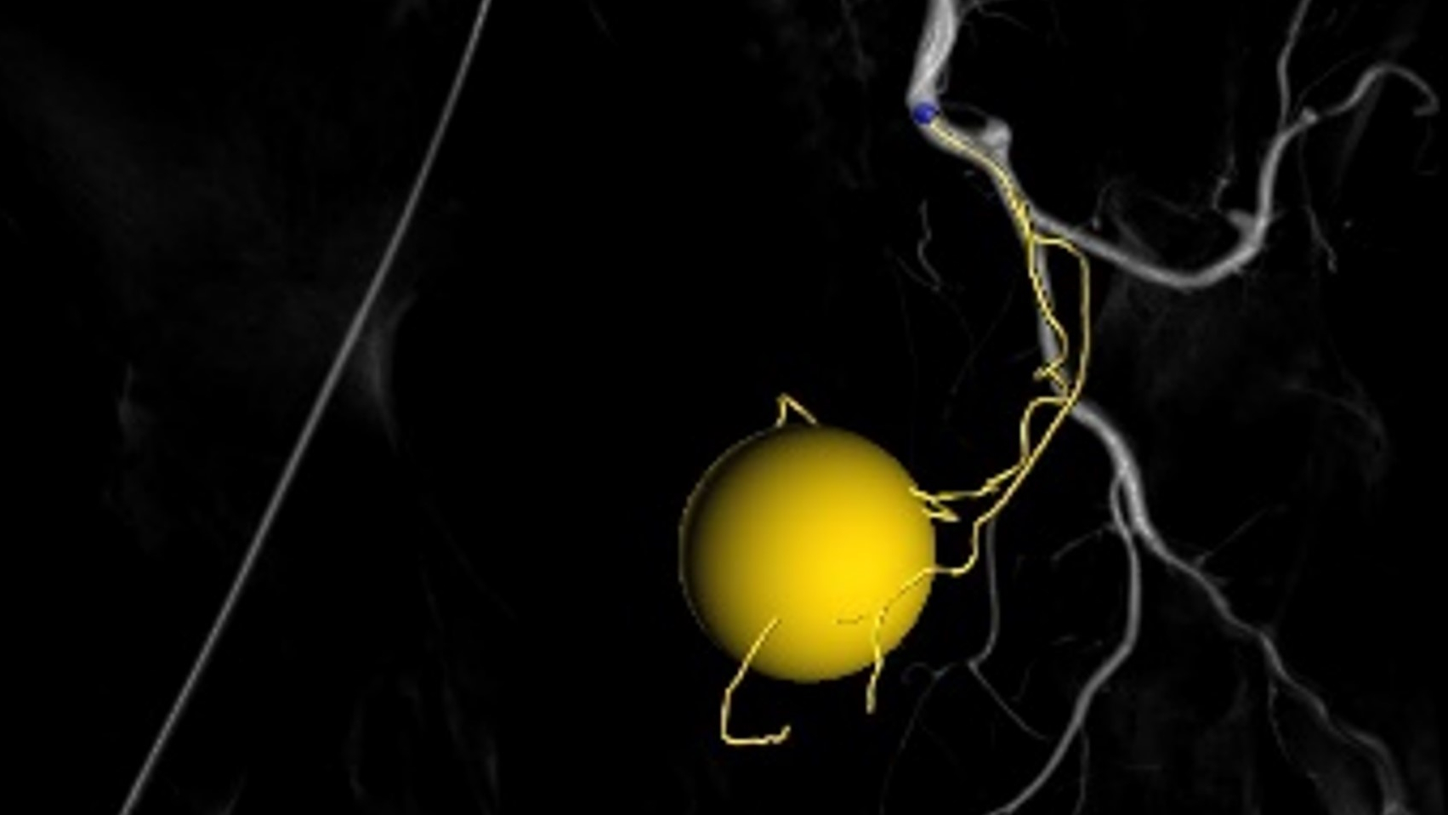
Target identification
Marking the prostatic gland as a sphere.
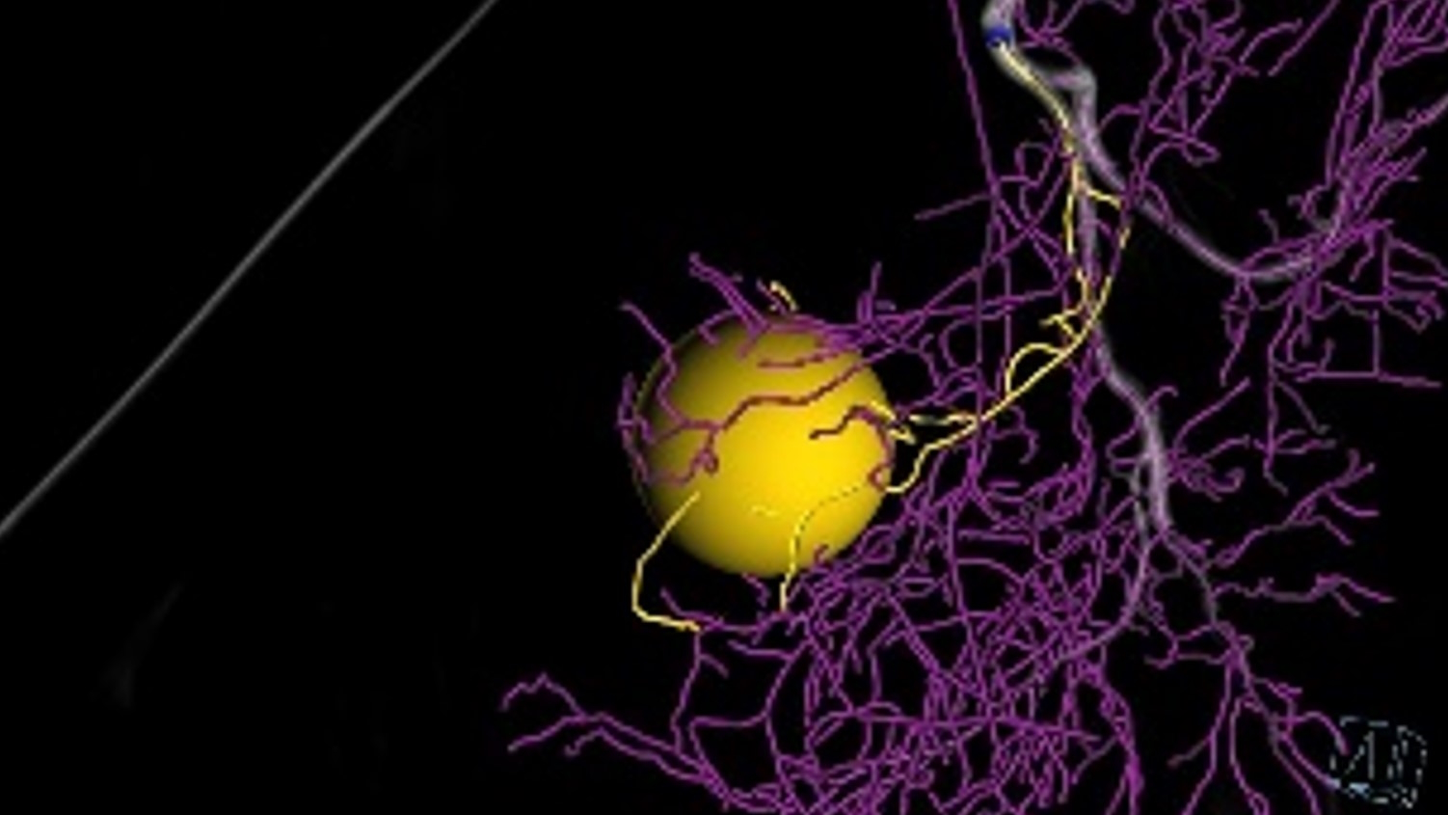
Vessel detection
Semi-automatic detection of the entire vessel tree with clear differentiation between feeder and non-feeder vessels for confident planning and precise navigation. Extending the envisioned treatment zone around the prostate initiates an immediate re-computation of the vessel information.
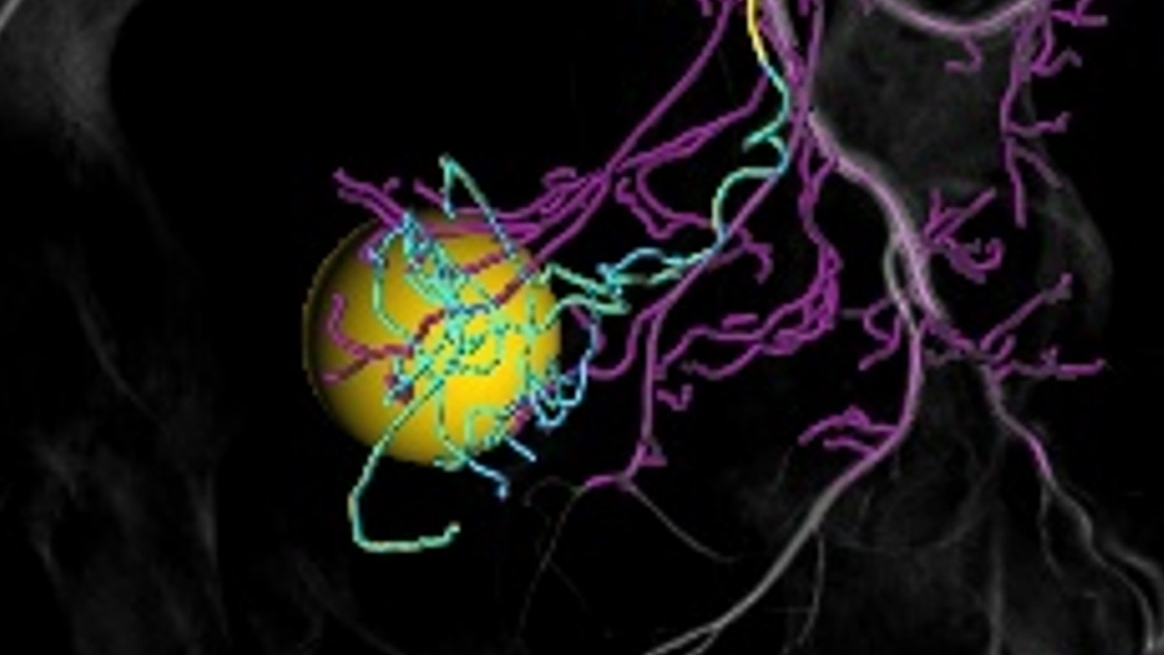
Adjustment to clinical needs
Easy length adaptation in the visualization of non-feeder vessels reduces information overload. The mouse-over feature highlights the downstream vessel tree which can be utilized for planning of the optimal treatment position.
Flexible workflow setting4
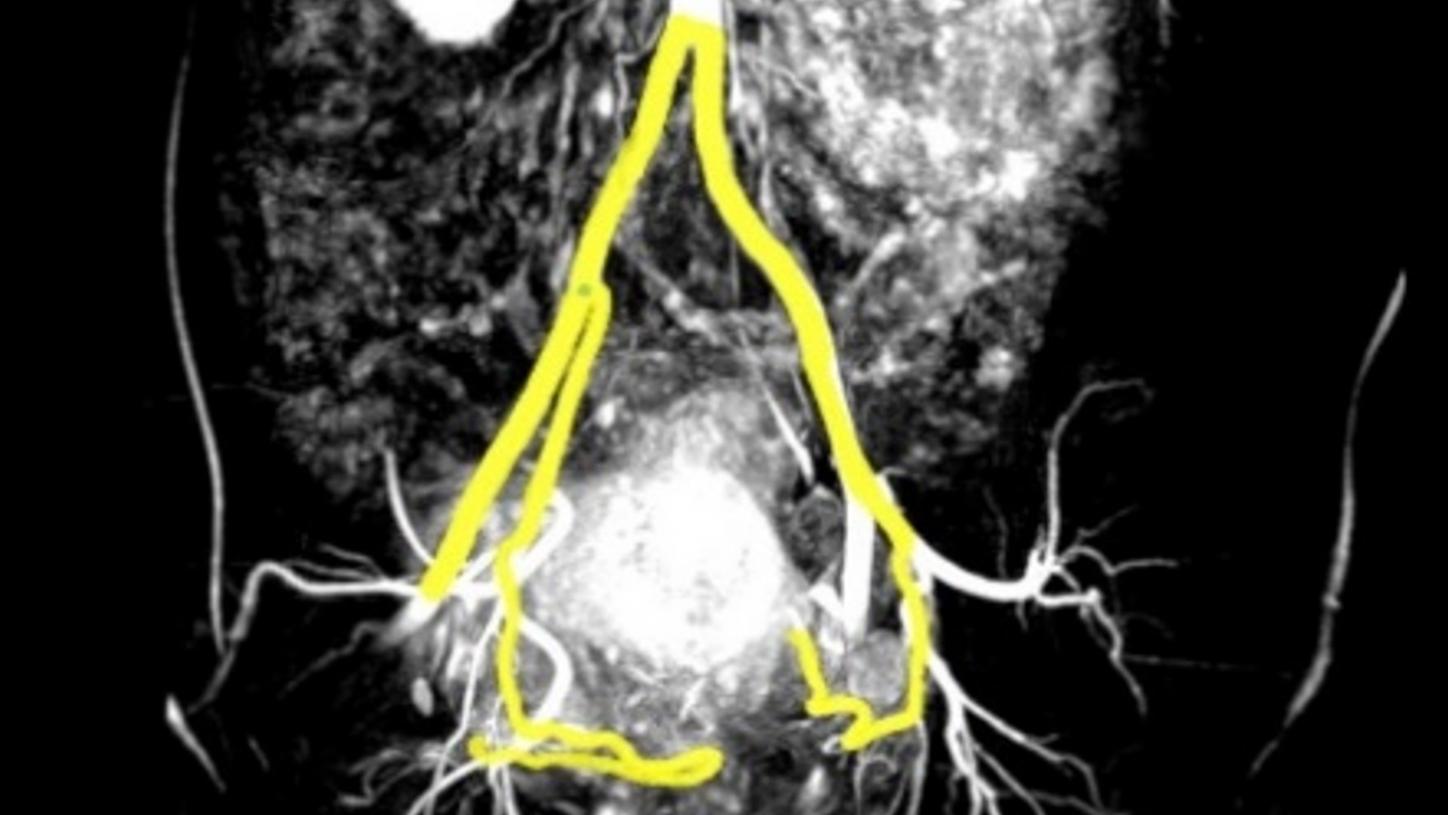
Do you need to perform an embolization on an organ other than the liver or prostate? Then select the general flexible workflow setting. It allows you to manually mark the proximal and distal points for vessel detection.
Customer voices
"Any guidance on the workflow greatly improves the learning experience we can provide to our residents, and it also reduces errors and I think standardization helps a lot in delivering reliable patient care."
Portfolio
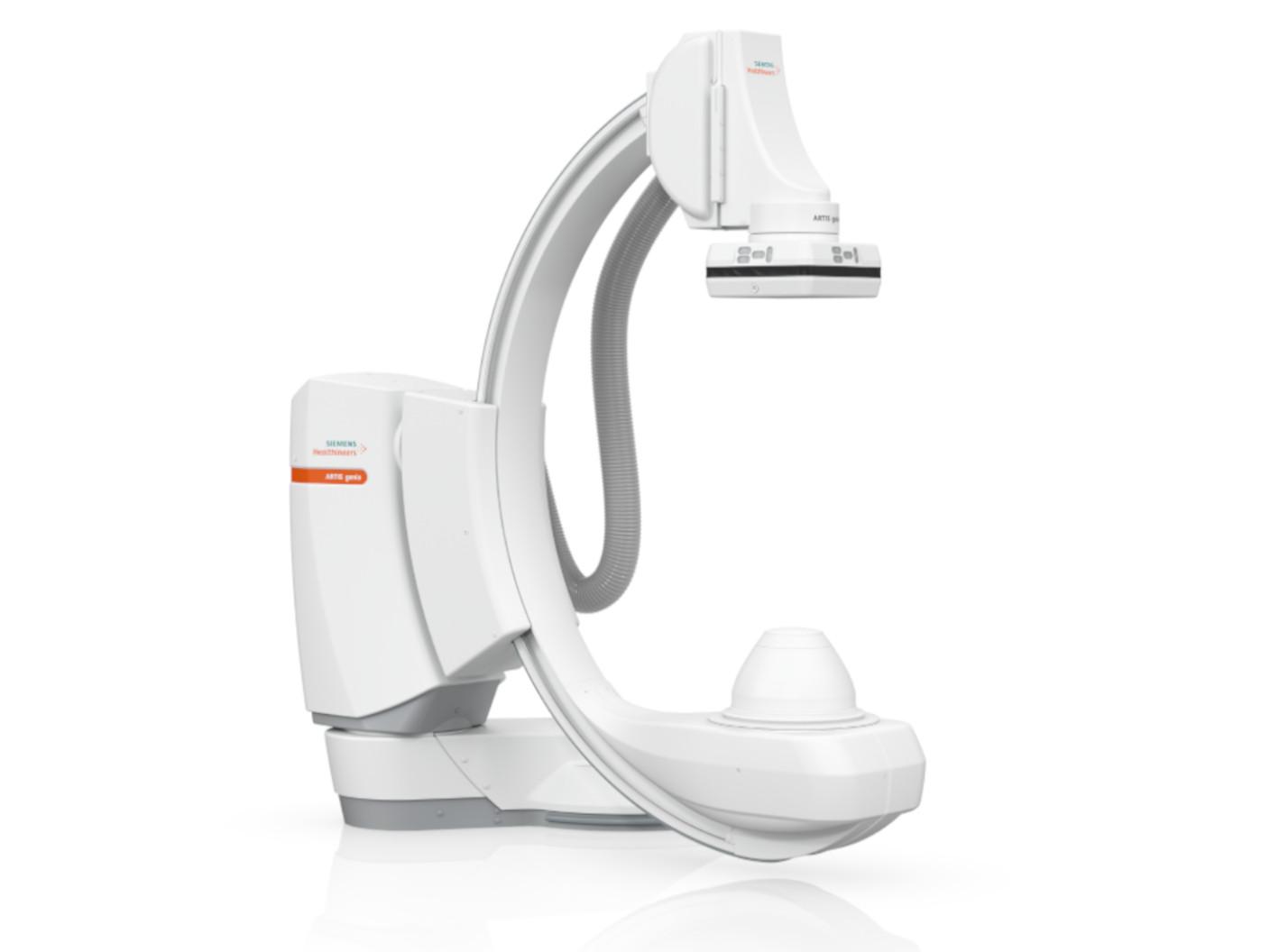
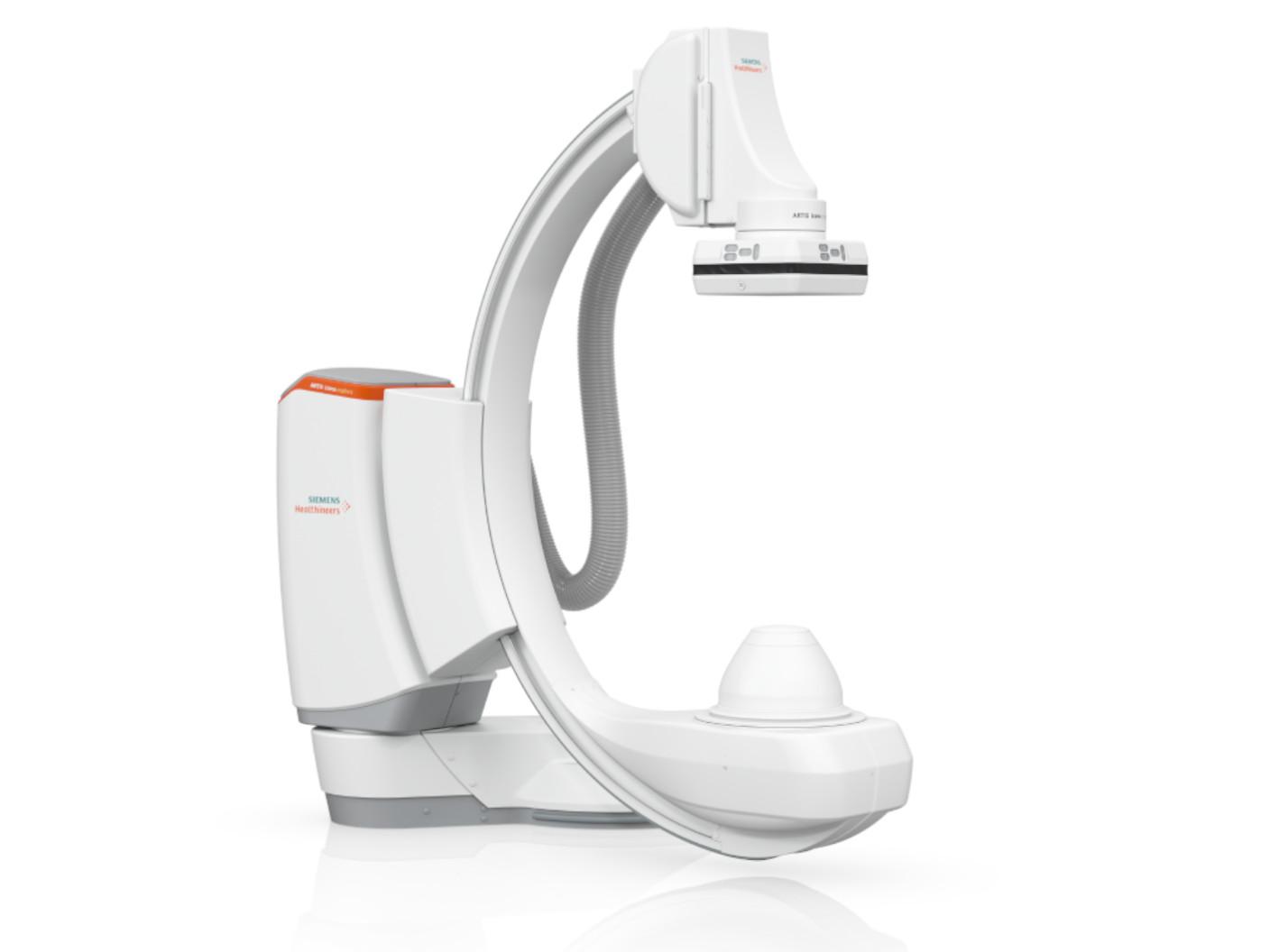
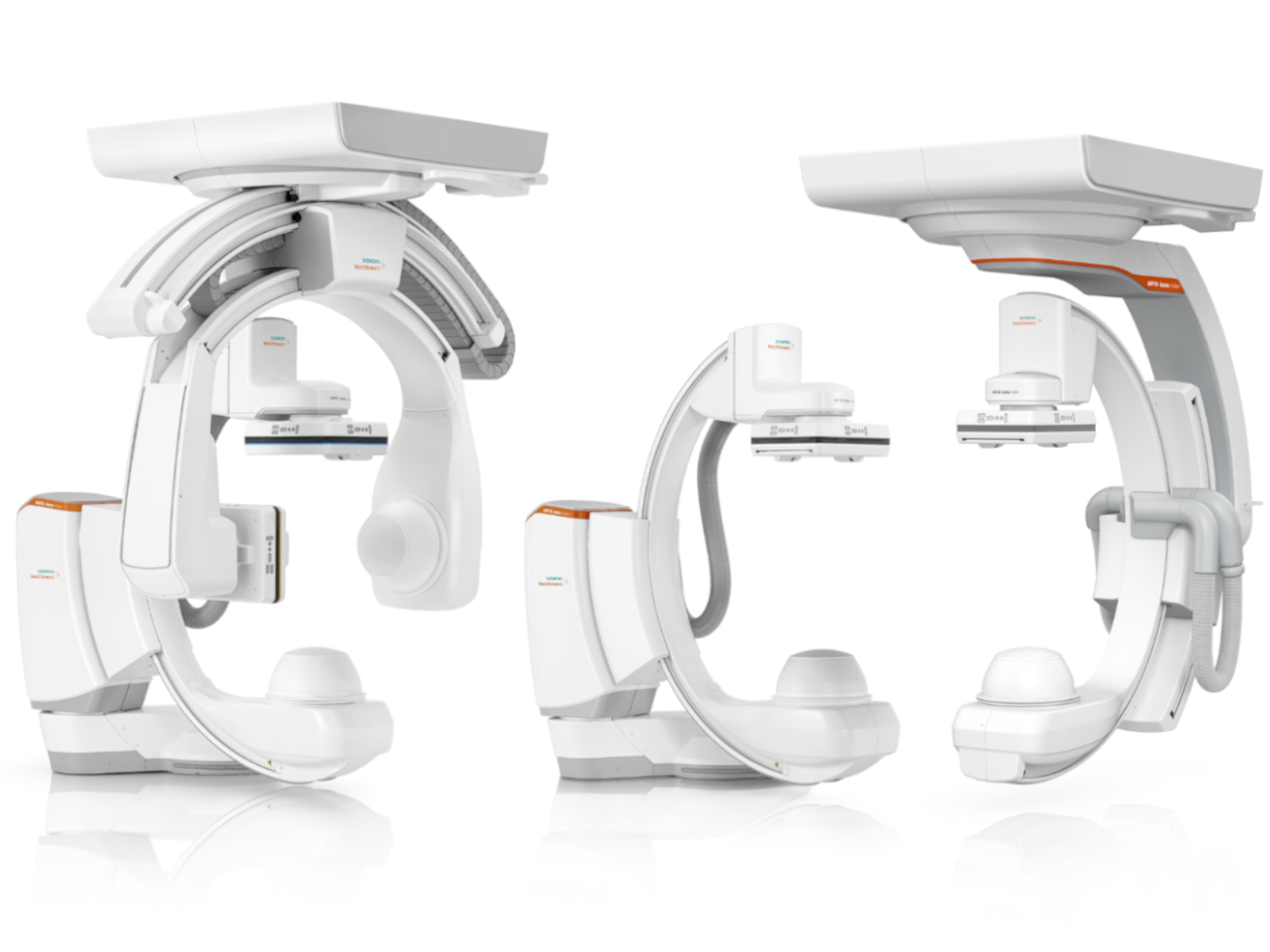
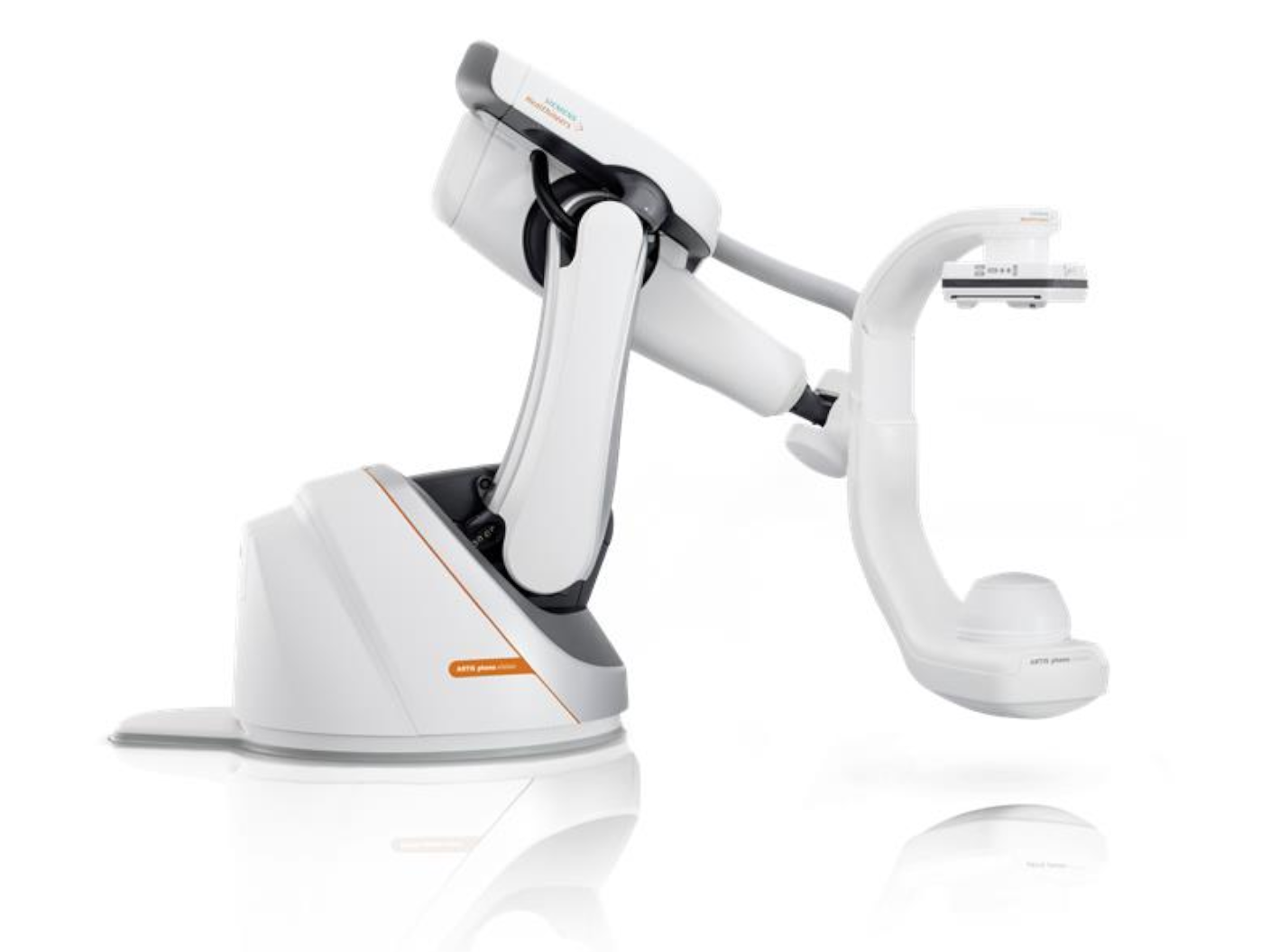
Meet the new ARTIS portfolio
myEmbolization Guide is available on our ARTIS portfolio, which is built on a foundation of AI-powered imaging and intelligent workflows. Each system is designed to meet specific needs – ranging from a versatile all-rounder and a reliable performer to a specialized solution.
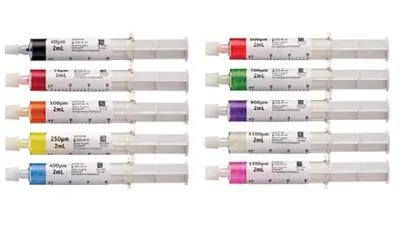
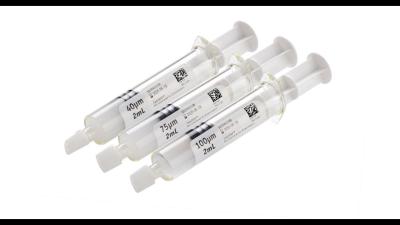
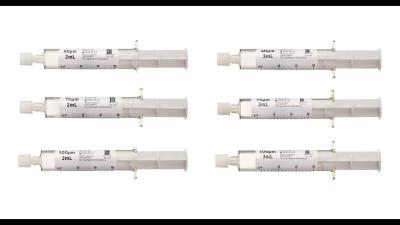
Microspheres and ablation systems
Did this information help you?
1
myEmbolization Guide is under development. Not available for sale in the U.S.A.
The products/features (mentioned herein) are pending 510(k) clearance, and are not yet commercially available in the United States.”
2
Courtesy: SLK Clinics, Heilbronn, Germany; Hannover Medical School, Germany
3
Courtesy: Alexandria University, Egypt
4
Courtesy: University Hospital Frankfurt, Germany
5
ARTIS genio floor is pending 510(k) clearance, and is not yet commercially available in the United States.
6
ARTIS icono.explore floor is pending 510(k) clearance, and is not yet commercially available in the United States.
7
ARTIS icono.vision is pending 510(k) clearance, and not yet commercially available in the United States. ARTIS icono.vision is an edition of ARTIS icono.
8
ARTIS pheno.vision is pending 510(k) clearance, and not yet commercially available in the United States. ARTIS pheno.vision is an edition of ARTIS pheno.
The statements by customers of Siemens Healthineers described herein are based on results that were achieved in the customer's unique setting. Since there is no "typical” hospital and many variables exist (e.g., hospital size, case mix, level of IT adoption) there can be no guarantee that othercustomers will achieve the same results
The products/features (mentioned herein) are not commercially available In all countries. Their future availability cannot be guaranteed.